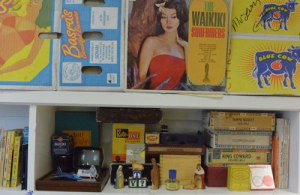
- original image size: 4608px X 3072px. 300dpi. 40.5 MB.
now: 60 quality jpg @ 47KB.


- original image size: 4608px X 3072px. 300dpi. 40.5MB.
now: 60 quality jpg @ 11KB.
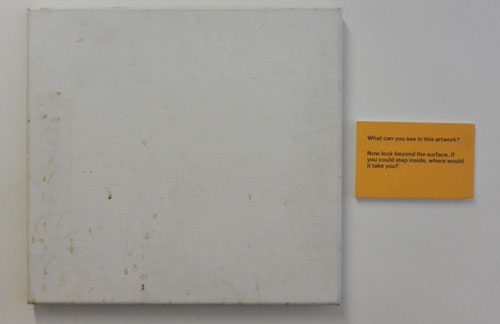
Both images were taken in my office under fluorescent light. One has a few more objects represented than the other. However, both file sizes are the same at 40.5MB. It was only when I converted both to 60 quality jpg that the file size altered to 47KB and 11KB respectively.
According to Adobe, file size is determined by the number of pixels in an image, or rather proportional to the pixel dimensions of an image. File size is effected by file format and the compression methods used, such as GIF, JPEG, PNG, TIFF etc. where file sizes can vary considerably for the same pixel dimension. It is also effected by the complexity of detail, colour-bit depth and the number of layers and channels in an image. I assume this is why that, while both original image files were the same size at 40.5 MB, when compressed the predominately white image is now a significantly smaller file size.
How does this influence the way you take photographs if your brief requires relatively small file sizes?
It probably will not influence the way a photograph is taken except to say that it should generally be as focused and as uncluttered as possible. It may influence how that image is treated and processed. It would also depend on the exact requirements of the client and the use of that image.
What sort of background should you consider if your client needs small size files?
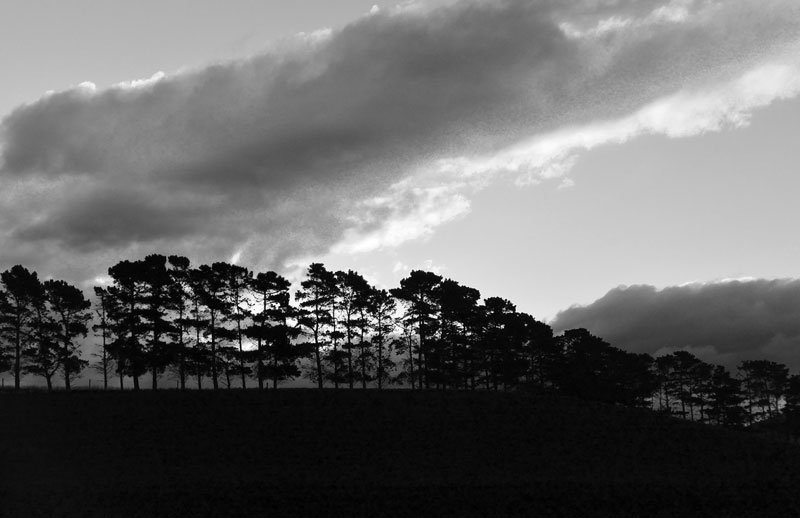
Probably minimal. Single colour.
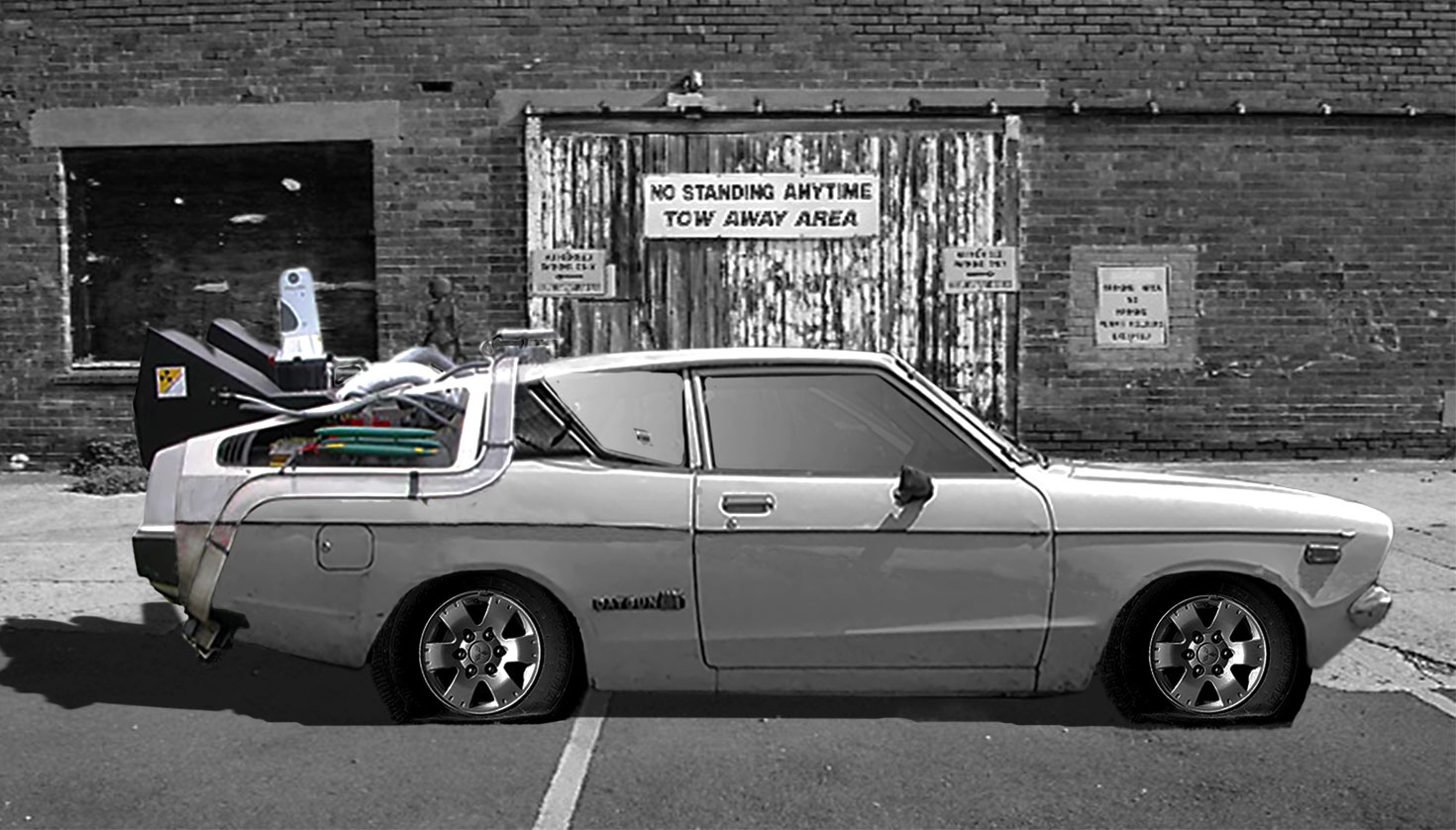
Assuming you were given a brief, such as taking a product shot of a modern ‘city car’ that had to go into a web advertisement and you needed to ensure the file sizes were small, describe a suitable and not so suitable background you might use?
Minimal and uncluttered. As few colours as possible. Visually not complex. The car would obviously be the main focus. I guess ‘not so suitable would be the opposite of that – a visually busy environment.













 garry armstrong